Blog / Equipment Reviews
DJI Mic Mini 2 Review: The Best Wireless Mic for Content Creators
In-depth field test after weeks of real-world use. The good, the bad, and the trade-offs you need to know before buying.
Last updated: September 14, 2026 · By Alex, BadMic Studio · 12 min read
Nobody likes looking at a video where the host has an oversized plastic box pulling down the collar of their t-shirt. For the last few years, wireless audio companies have been engaged in an arms race to see who can make clip-on transmitters tiny enough that they don't drag your clothes down or dominate the frame.
Enter the DJI Mic Mini 2. At roughly 11 grams, it's tiny — smaller than a matchbox and light enough that you honestly forget you clipped it on.
I've been testing it to see if it holds up as a serious production tool or if it's just a cute gimmick for casual TikToks. The short answer? It's fantastic at what it was designed to do, but DJI had to make a few ruthless cuts to get it this small.
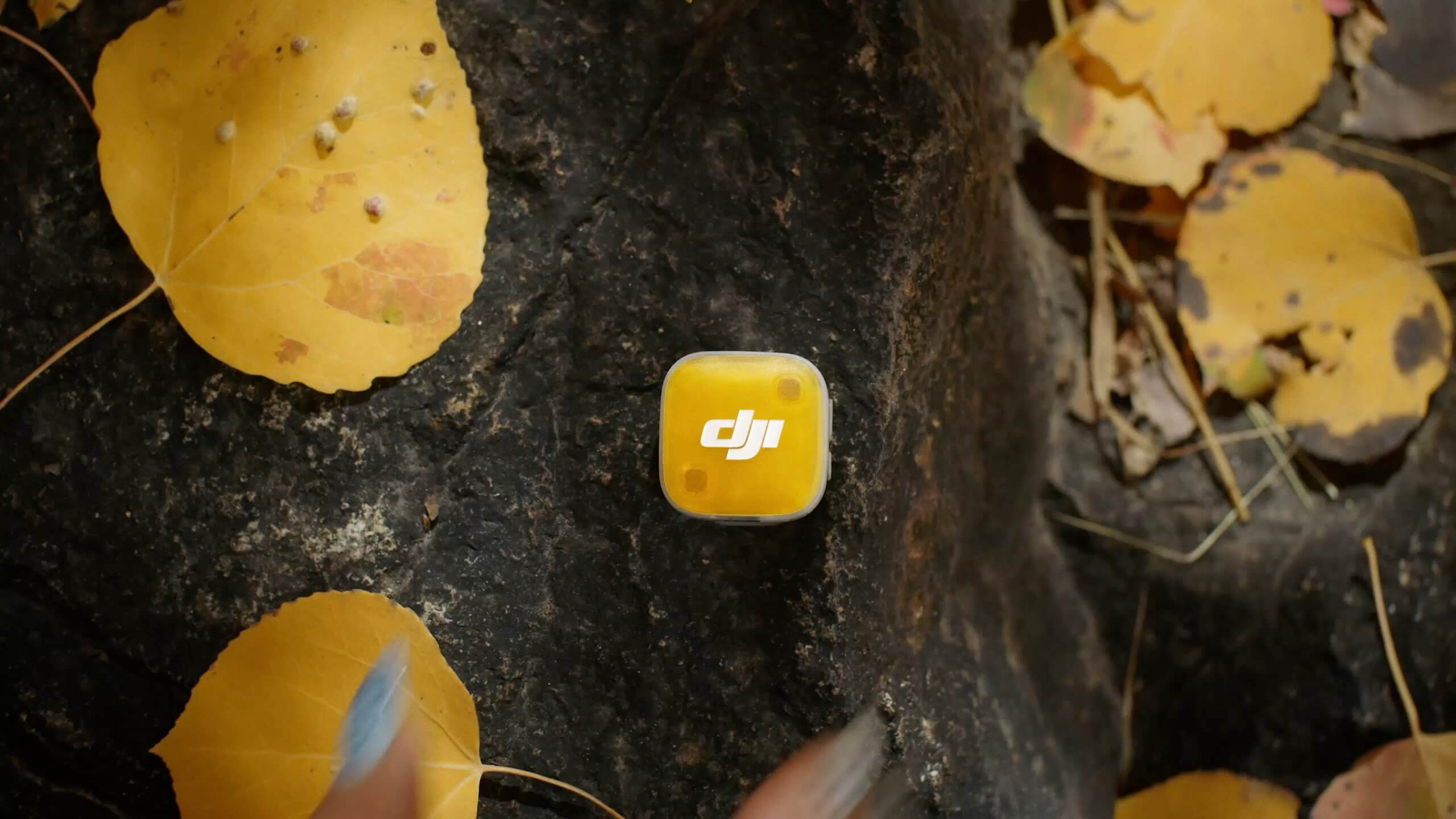
Here is the good, the bad, and the reality of working with it in the field.
The Good: You Won't Mind Wearing It
The physical experience of using the Mic Mini 2 is where it completely runs laps around older systems.
If you clip a standard wireless pack onto a thin summer tee or a button-down shirt, the collar immediately flops forward, pointing the mic at the floor. With the Mini 2, that problem is gone. It stays flat. Between the spring clip and the small magnetic backing, you can tuck it behind almost any piece of clothing. They even include swappable magnetic faceplates so you aren't stuck with a bright brand logo staring right at the camera lens.
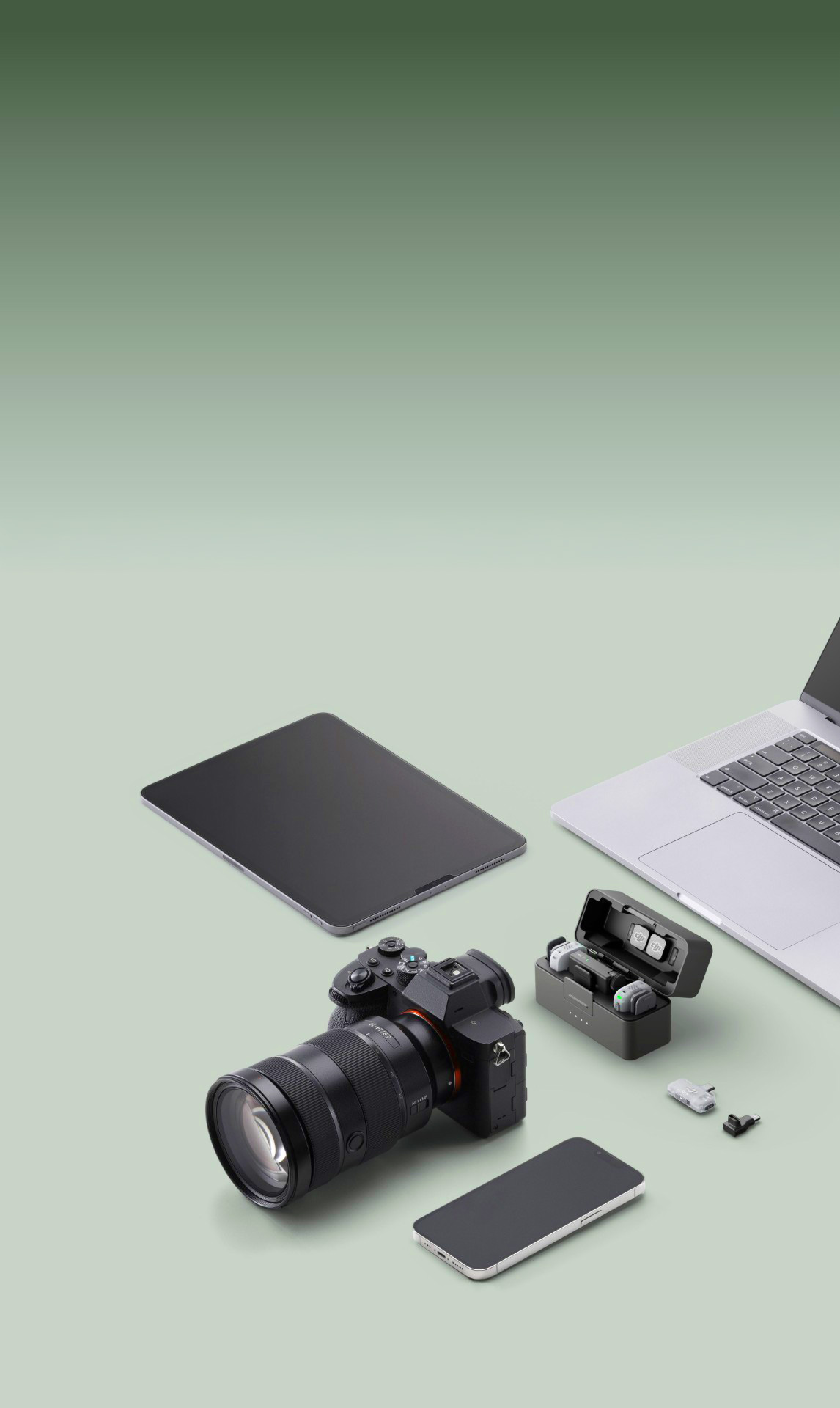
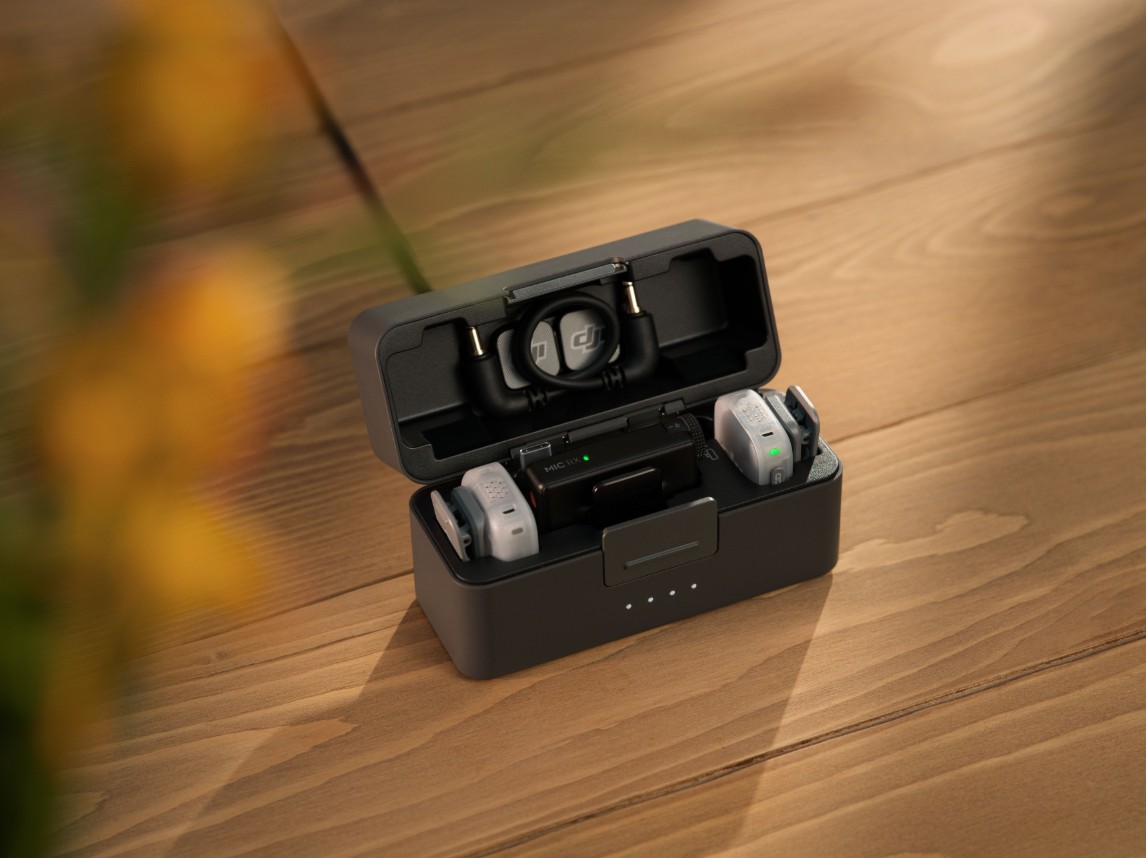
The other massive win is battery life. I expected a tiny battery to run dry after an afternoon, but the transmitters push through nearly 11 hours on a single charge if you leave noise reduction off. Add the charging case, and you're looking at close to 48 hours of total juice. You can easily get through a multi-day weekend trip without hunting for an outlet.
For people running DJI cameras (like the Osmo Pocket 3 or the newer Action cams), setup is bliss. It connects directly over Bluetooth without hanging a bulky receiver off the bottom of your gimbal. Turn the camera on, hit record, and you're done.
The Audio: How Does It Actually Sound?
Out of the box, vocal reproduction is crisp. DJI clearly tuned the frequency curve to flatter the human voice, with a clean midrange bump that helps dialogue cut through without needing heavy EQ work in your editing timeline.
There are three basic tone presets you can flip between:
- Regular: Clean, natural dialogue. This is the one I used most of the time.
- Rich: Adds a bit of low-end body if your voice sounds a bit thin or nasal. Good for deeper male voices that need warmth.
- Bright: Pushes the high end to keep speech clear if you're shooting outside with the furry windscreen on.
Noise Cancellation
You get two stages of built-in noise suppression. The "Basic" setting is subtle and great — it cleanly scrubs out things like refrigerator hums, office AC, or distant road rumble without making your voice sound weird. The "Strong" setting works in a pinch if you're in a crowded coffee shop, but like most heavy digital filters, it leaves that watery, robotic sound on your vocal track. Use it sparingly.
Safety Track
Because there's no fancy 32-bit float hardware inside, DJI gives you a Mono Safety Track mode (Ms). When engaged, it records your normal signal on the left audio channel and an identical copy padded at -6 dB on the right. If someone bursts out laughing or suddenly shouts, you just grab the quieter track in post instead of dealing with harsh digital distortion.
This is genuinely useful for run-and-gun shooting where you can't control the dynamics of your subjects. I tested it during a panel discussion where one speaker was significantly louder than the others, and the safety track saved the recording without any noticeable quality loss.
The Catches: What Did DJI Cut?
To get the transmitter down to 11 grams and keep the price approachable, DJI had to drop two features that serious audio folks rely on. You need to know these before buying.
1. No 3.5mm Jack on the Transmitter
There is nowhere to plug in an external wired lavalier microphone. If you like threading a discrete, needle-thin lav under a shirt and hiding the transmitter on a belt, you can't do it here. The transmitter is the microphone. For casual YouTube videos or run-and-gun street shooting, that's fine. For narrative shoots or formal corporate sit-downs, it might not fly.
2. Zero Internal Backup Recording
This is the big one. Higher-end units (like the standard DJI Mic 2 or the Rode Wireless PRO) record a local copy of your audio to an internal memory chip inside the transmitter itself. If someone walks behind a concrete wall or you run into heavy Wi-Fi interference and your wireless signal drops, you don't care because the audio safely recorded on the mic.
The Mic Mini 2 does not have onboard memory. Everything transmits live over the 2.4 GHz band to your camera or phone. If you get an RF dropout, you get silence on your footage. In open line-of-sight environments, the range is rock solid past 100 meters. But if you're working an unrepeatable shoot — like a wedding ceremony or a client event you can't re-take — that lack of a local backup is a genuine risk.
Full Specifications
| Spec | Details |
|---|---|
| Transmitter Weight | ~11g (without clip/magnet) |
| Audio Quality | 48kHz / 24-bit |
| Polar Pattern | Omnidirectional |
| Max SPL | 120 dB |
| Noise Cancellation | Two levels (Basic / Strong) |
| Voice Presets | Regular, Rich, Bright |
| TX Battery Life | ~11.5 hours |
| RX Battery Life | ~10.5 hours |
| Total w/ Charging Case | ~48 hours |
| Range (Standard RX) | Up to 400m |
| Range (Mobile RX) | Up to 300m |
| Connectivity | 2.4 GHz, Bluetooth 5.3, USB-C, 3.5mm TRS |
| Fast Charge | 5 min = ~1 hour use |
| DJI OsmoAudio | Direct connection to Osmo Pocket 3, Action 6, 360, Nano |
| Internal Recording | No (coming in Mic Mini 2S) |
| 3.5mm Lav Input | No |
Available Configurations & Pricing
The DJI Mic Mini 2 is available in Europe in four configurations (prices from DJI store, may vary by retailer):
- 2 TX + 1 RX + Charging Case — ~€99: The full kit. Two transmitters, standard receiver with 3.5mm output for cameras, charging case, windscreens, magnetic covers, and carrying pouch. Best for two-person shoots or interviews.
- 1 TX + 1 RX — ~€59: Single transmitter with standard receiver. No charging case. Good if you only need one mic and want to save money.
- 2 TX + 1 Mobile RX + Charging Case — ~€79: Two transmitters with the smaller mobile receiver (USB-C). Designed for smartphone creators who want to record two people directly into a phone.
- 1 TX + 1 Mobile RX + Charging Case — ~€59: Solo mobile creator kit. One transmitter, mobile receiver, and charging case. The most compact option for vloggers.
Where to Buy
Available now in Europe. Not currently available in the US due to FCC authorization pending.
As an Amazon Associate I earn from qualifying purchases.
Compared to the Competition
How does the Mic Mini 2 stack up against other popular wireless mics in the same price range?
| Feature | DJI Mic Mini 2 | DJI Mic Mini (Original) | Rode Wireless GO II |
|---|---|---|---|
| Price (2 TX kit) | ~€99 | ~€82 | ~€299 |
| TX Weight | 11g | 10g | 31g |
| Internal Recording | No | No | Yes (4GB) |
| 32-bit Float | No | No | Yes |
| Lav Input | No | No | No |
| Battery (TX) | 11.5h | 11.5h | 7h |
| Noise Cancellation | 2-level | 2-level | Yes (single) |
| Voice Presets | 3 (Regular/Rich/Bright) | No | No |
The Rode Wireless GO II is the "professional" choice with internal recording and 32-bit float, but it costs three times as much and weighs nearly three times more. For creators who prioritize size, battery life, and simplicity, the DJI Mic Mini 2 is hard to beat at its price point.
Who Should Buy This?
✅ Buy it if you...
- Run a solo YouTube channel or TikTok
- Vlog on the go with your phone
- Want clean audio without bulky gear
- Use a DJI Osmo camera
- Shoot interviews or run-and-gun content
- Need all-day battery life
❌ Skip it if you...
- Need internal backup recording
- Want to use external lavalier mics
- Work in RF-heavy environments
- Need broadcast-grade 32-bit float
- Shoot unrepeatable events (weddings, etc.)
The Takeaway: Should You Buy It?
The DJI Mic Mini 2 isn't trying to replace high-end cinema audio kits, and it doesn't need to.
If you are a solo creator, a mobile vlogger, someone making talking-head Reels, or an educator who just wants clean, clear voice audio without looking like you're wearing a security badge, it's an easy recommendation. The battery life is ridiculous for its size, it feels weightless on clothing, and it sounds great right out of the box.
Just keep the trade-offs in mind: don't expect to plug in third-party lavs, and keep your receiver within line of sight so you don't run into wireless dropouts without a safety net. For everyday shooting, it hits the sweet spot between convenience and quality.
Need help with your podcast audio?
We edit 500+ episodes for creators worldwide. Starting at €49/episode.
Get a free quote